Using RankReady with WP Rocket, LiteSpeed and Cloudflare
Configure page caching and a CDN so RankReady's endpoints stay correct, and know which URLs are cache safe by design.
Last updated October 15, 2026
By the end of this page your cache and CDN will be serving RankReady’s endpoints correctly rather than stale or wrong content. Most of the design is already cache friendly, so the work is small and specific.
What you are seeing
Any of these:
- You changed a RankReady setting and
/llms.txtstill shows the old content. - You switched a feature on and the endpoint still returns 404.
- An agent requesting Markdown on a canonical URL receives HTML, or the other way round.
- Endpoints work when you are logged in and fail when you are logged out.
Why it happens
Every one of those is a caching layer answering the request before WordPress does. Three details of how RankReady serves content explain what to do about it.
Distinct .md URLs are cache safe by design. /post-slug.md and /index.md always serve Markdown, whatever the Accept header says. That is deliberate. Because the URL alone determines the response, any cache that keys on the URL, which is essentially all of them, stores and serves the right thing.
Content negotiation happens on the canonical URL, when it is on. New installs have this option off. Sites upgraded from earlier versions keep it on, and RankReady switches it off by itself when Cloudflare APO is detected. The option is under RankReady, AI Visibility, Markdown. When it is on, on /your-post/, an Accept: text/markdown request gets Markdown, text/html gets HTML, and an unsupported type returns 406. Two different responses on one URL is exactly the situation a URL-keyed cache handles badly. If a full page cache or CDN sits in front, whichever response was stored first can be served to everyone.
Some endpoints are conditional. /llms.txt and /okf/ support ETag and answer 304 Not Modified to If-None-Match. Revalidation is therefore cheap, which means you do not need long cache lifetimes on them to keep them fast.
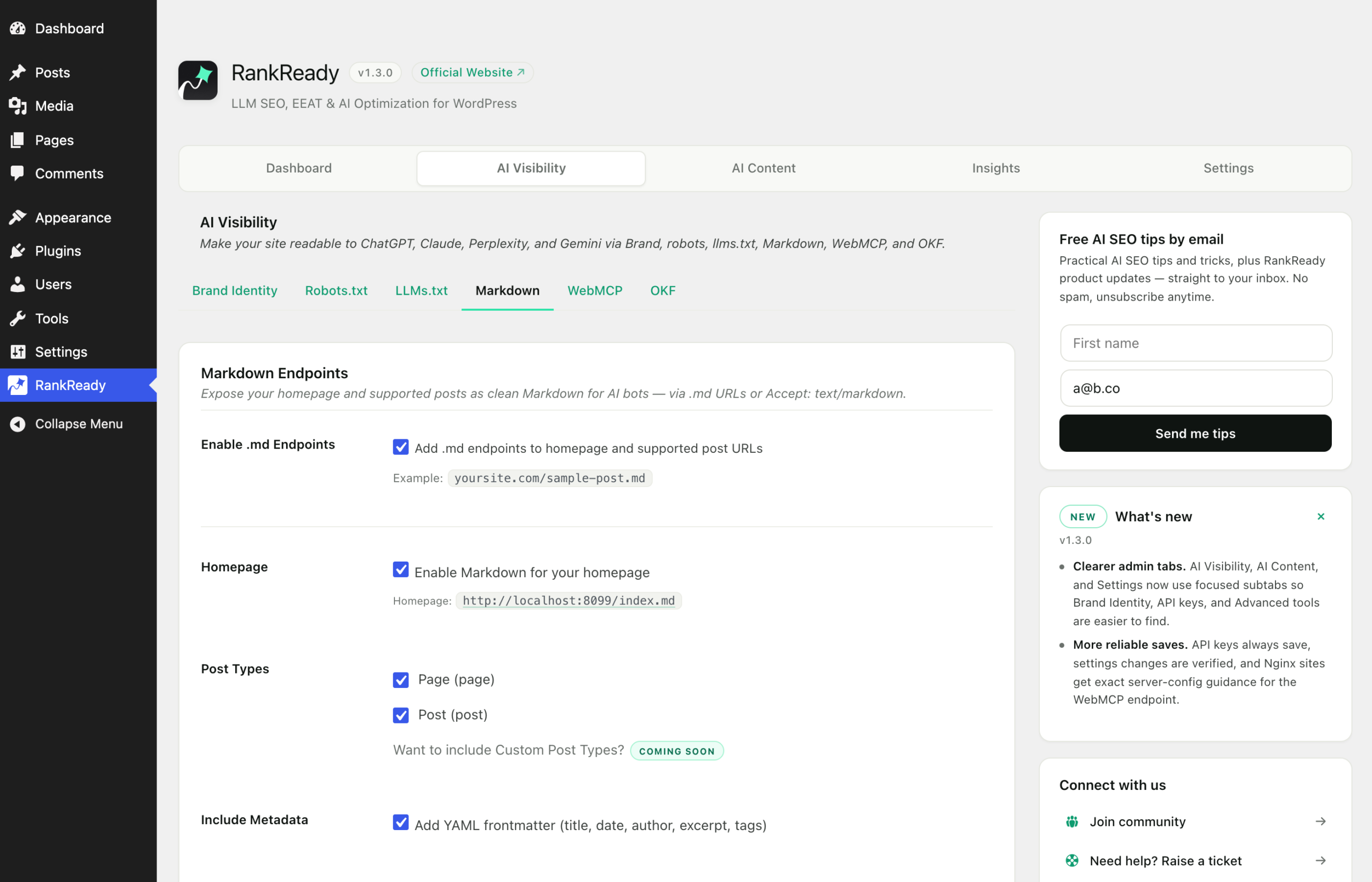
Markdown refreshes when you save. The Markdown copy of a post is cached against the post version and your settings, so saving a post or changing a setting gives a fresh copy. This works on Redis and Memcached object caches too. You do not need to purge anything for RankReady’s own Markdown cache.
Diagnostics warns about cache layers. The Diagnostics report checks for Cloudflare, Varnish, Fastly and LiteSpeed in front of your site and tells you if one of them can interfere with same-URL negotiation. See the diagnostics report guide.
1. Purge after every settings change
Treat this as the default habit. After changing anything under RankReady > AI Visibility, purge your page cache plugin and then purge your CDN, in that order. Then retest in a private window.
Include 404s in your thinking here. A 404 is a perfectly cacheable response, so an endpoint that was off when a bot last requested it can keep returning 404 from cache long after you switched it on.
2. Re-save permalinks after enabling or disabling features
Go to Settings > Permalinks and click Save Changes. This rebuilds WordPress rewrite rules. RankReady also clears stale rules when you turn a feature off, which earlier versions did not, so make sure you are on the current version before chasing this further.
3. Exclude the dynamic endpoints from full page caching
These paths are generated per request and should not be held in a full page cache with a long lifetime:
/llms.txt/llms-full.txt/okf//.well-known/mcp.json
In WP Rocket, add them under Advanced Rules, in the never-cache URLs field. In LiteSpeed Cache, use the do-not-cache URI list in the cache excludes section. Setting names shift slightly between versions, so look for the exclusion list rather than an exact label.
You do not need to exclude .md URLs. They are static in the sense that matters: one URL, one response. Caching them is fine and desirable.
4. Cloudflare and other CDNs
A CDN keys its cache on the URL. That is why the .md URLs pass through it without trouble, and why relying on Accept-header negotiation across the canonical URL is fragile once a CDN is in front of your site.
Two practical consequences:
- Point agents and integrations at the distinct
.mdURLs where you can. They behave identically with and without a CDN. - Add a cache rule that bypasses the CDN cache for
/llms.txt,/llms-full.txt,/okf/and/.well-known/mcp.json. With ETag and 304 support on/llms.txtand/okf/, bypassing the edge cache on those paths costs you very little.
Always purge the CDN as a separate action from purging the plugin cache. Purging one does not purge the other.
5. LiteSpeed with Rank Math, and 404s that survive a purge
On some stacks the endpoint request is intercepted before WordPress can match RankReady’s rewrite rule. LiteSpeed running with Rank Math was the reported case. RankReady adds a fallback that inspects the raw request path, so the endpoint is recognised even then.
If you see a persistent 404 that survives both a permalink re-save and a full purge, check your version first. Update to the current version, re-save permalinks, purge again, then retest.
6. Verify from a command line
Browsers add their own caching and their own Accept headers, which makes them a poor test tool here. Use curl:
curl -I https://example.com/llms.txt
curl -I https://example.com/your-post.md
curl -H "Accept: text/markdown" https://example.com/your-post/
curl -H "Accept: application/x-nonsense" -I https://example.com/your-post/
Expect 200 on the first two. The last two only apply if you turned on same-URL negotiation: then you get Markdown from the third and 406 from the fourth. A 406 there is the correct answer, not a failure.
One thing caching cannot fix
If /.well-known/mcp.json returns 403, no cache setting will help. nginx blocks dotfile paths by default, before PHP runs. That needs a server configuration change, covered in its own guide.