Every RankReady setting explained
A tab-by-tab reference to the RankReady admin: what each screen controls, and what turning it on actually changes.
Last updated August 27, 2026
RankReady adds one menu item, RankReady, to wp-admin. Everything lives under five tabs. This page walks all five in order so you can find the screen that owns whatever you are trying to change.

Dashboard
URL: tab=dashboard. Your starting point and status overview. This tab is where you find the Re-run the setup wizard link, which reopens the three-step first-run wizard at any time. That wizard covers brand identity and the on-off state of the AI surfaces, so re-running it is a fast way to review those choices without visiting each subtab.
AI Visibility
URL: tab=crawlers. Note the slug: it is crawlers, not visibility. This is the largest tab and it owns every public file and endpoint RankReady serves. It has six subtabs.
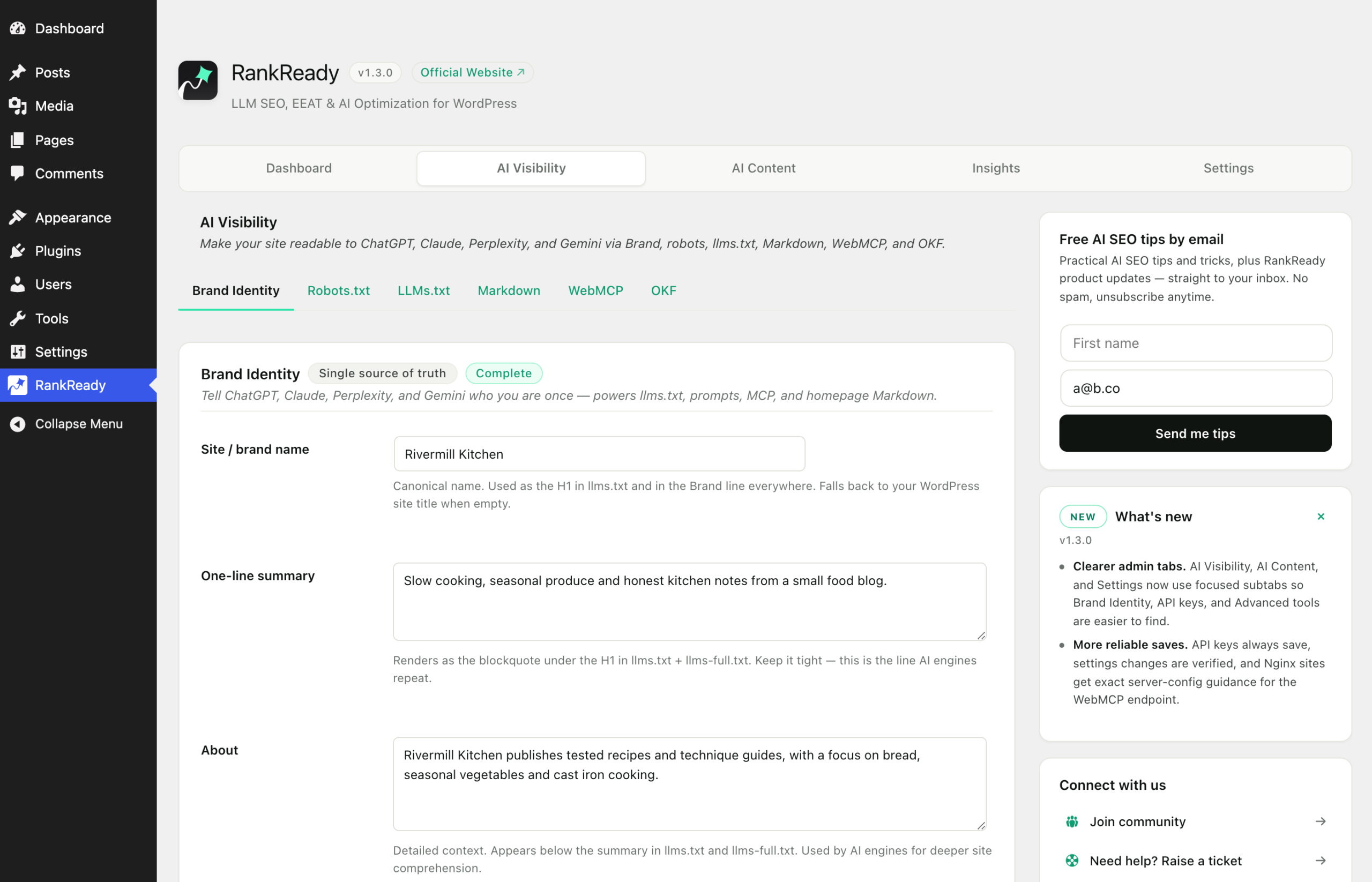
Brand Identity, sub=brand
The single source of truth for who you are. Four fields: your site or brand name, a one-line summary capped at 160 characters that appears under the brand name in llms.txt, an optional About field under 500 characters that accepts Markdown, and your brand terms, the alternate names you want stated consistently. These are the same fields as step 1 of the setup wizard.
What you write here is reused in eight places: /llms.txt, /llms-full.txt, /robots.txt, the AI Summary system prompt, the FAQ generation prompt, the two WebMCP abilities rankready/get-site-info and rankready/get-brand-terms, and the homepage Markdown at /index.md. Fill it in once and every downstream file picks it up.
Robots, sub=robots
Controls the block RankReady manages inside your robots.txt, between the # BEGIN RankReady and # END RankReady markers. This is where you set per-crawler permissions across the 29 named AI crawlers, and where the Content Signals directives ai-train, search and ai-input are configured. Nothing outside the markers is touched.
llms.txt, sub=llms
Owns two files. /llms.txt is an AI-readable index of the site. /llms-full.txt is the full corpus in one file. In the setup wizard, llms.txt is on by default and llms-full.txt is off by default, so if you have never seen the full file, that is why.
Markdown, sub=markdown
Controls the Markdown endpoints: /{post-slug}.md for any post, and /index.md for the homepage, each with YAML frontmatter. It also governs content negotiation on your canonical URLs, where Accept: text/markdown gets Markdown and an unsupported type gets a 406.
WebMCP, sub=webmcp
Controls the manifest at /.well-known/mcp.json. Off by default in the setup wizard. On nginx this path returns 403 before WordPress sees it, which is a server configuration matter and not something the setting can fix.
OKF, sub=okf
Controls the Open Knowledge Format bundle at /okf/. On by default in the setup wizard.
AI Content
URL: tab=content. Everything that generates text with an AI provider. Two subtabs.
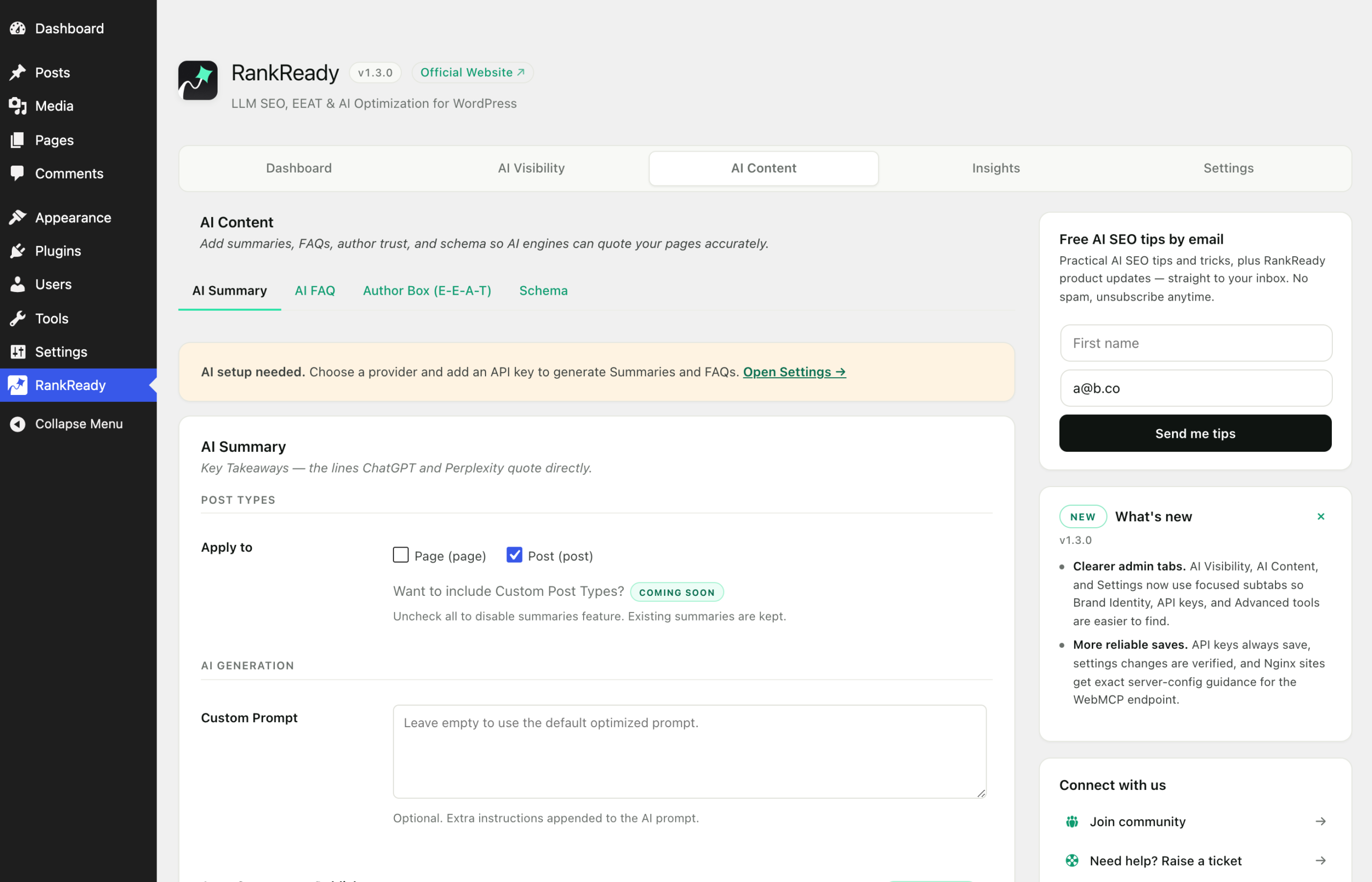
Summary, sub=summary
Settings for AI Summaries, including how and where a generated summary is displayed. Generation needs an API key for whichever provider you selected. Generation is unlimited, with no monthly caps. Summaries are stored in the _rnrd_summary post meta as {"bullets":[...]}.
One behaviour worth knowing before you plan a rollout: Article schema builds its description from the generated summary and returns early when there is none. A post with Article schema switched on but no summary generated emits no Article JSON-LD at all.
FAQ, sub=faq
Settings for the FAQ Generator. It needs an API key, and it can optionally use DataForSEO to find real People Also Ask questions. DataForSEO receives the focus keyword only, never your article text. FAQs are stored in the _rnrd_faq post meta as a flat array of {"question":...,"answer":...} objects.
Insights
URL: tab=insights. Where you review what has happened rather than change what happens: AI crawler activity and referral data collected on your own site. Read the numbers for what they are. A crawler hit tells you your page was fetched. It does not tell you the page was quoted anywhere.
Settings
URL: tab=settings. Plugin-level configuration rather than per-feature behaviour.
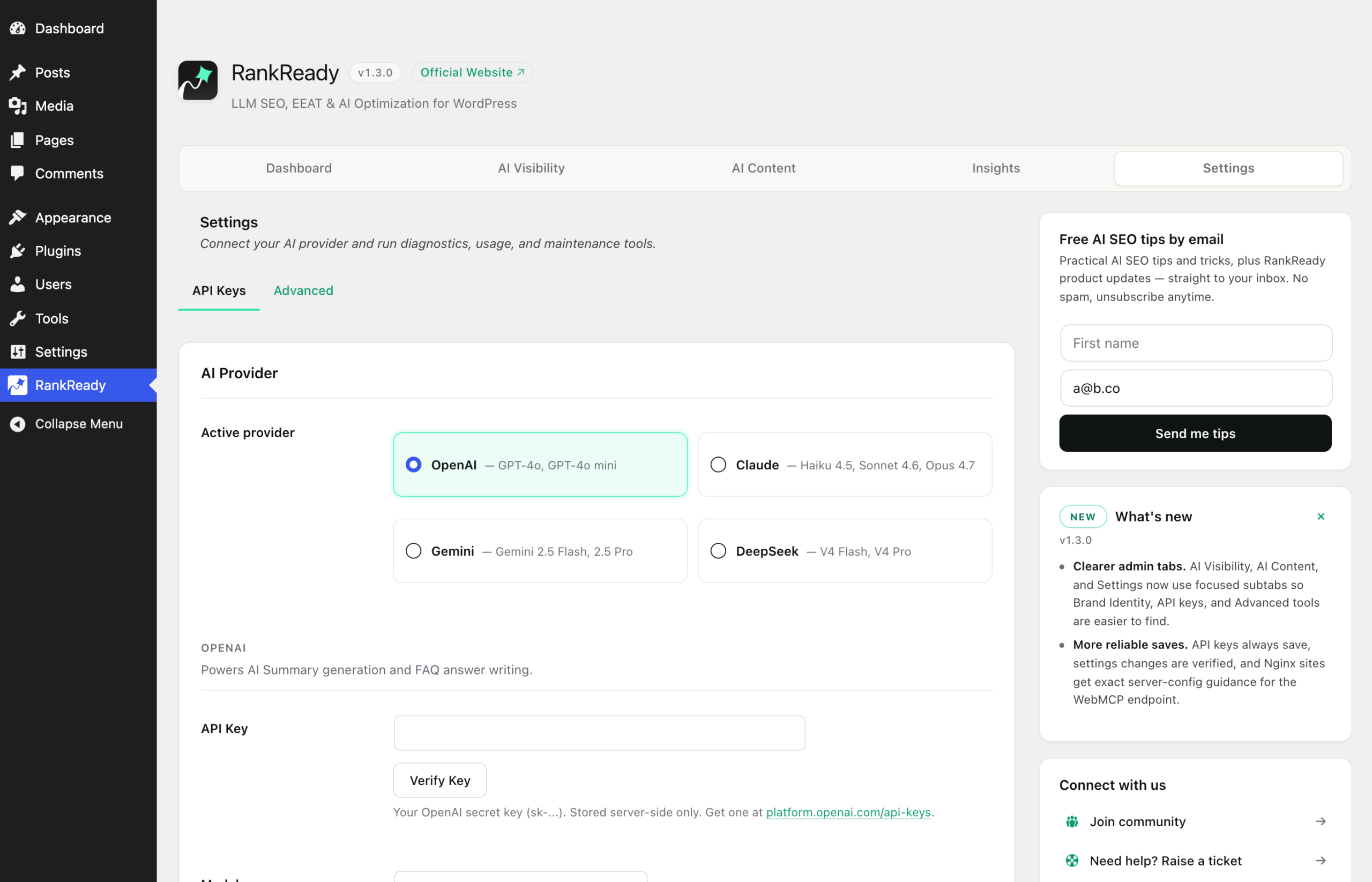
API keys
Paste your own key for OpenAI, Anthropic Claude, Google Gemini or DeepSeek. Keys are stored in your site’s own wp_options table, encrypted at rest. They are needed only for AI Summaries and the FAQ Generator. Everything else, llms.txt, the Markdown endpoints, crawler controls, Article schema, the Author Box, AI referral tracking, the freshness scanner and the WebMCP manifest, works with no key at all.
Delete all data on uninstall
Option name rnrd_delete_on_uninstall. Defaults to off, which means deleting the plugin leaves your summaries, FAQs and settings intact. Deactivating never removes anything either. Only when you switch this on before deleting does uninstall remove RankReady’s options, post meta, user meta and transients, drop the crawler log table, and remove the Cloudflare Cache Rule it created so nothing is left stranded on your Cloudflare zone.
Some cards in the admin are marked Coming Soon. Those are not shipping features and their controls do nothing yet.